You can choose to place orders individually, or via a bulk CSV upload.
Option 1: Individual Orders
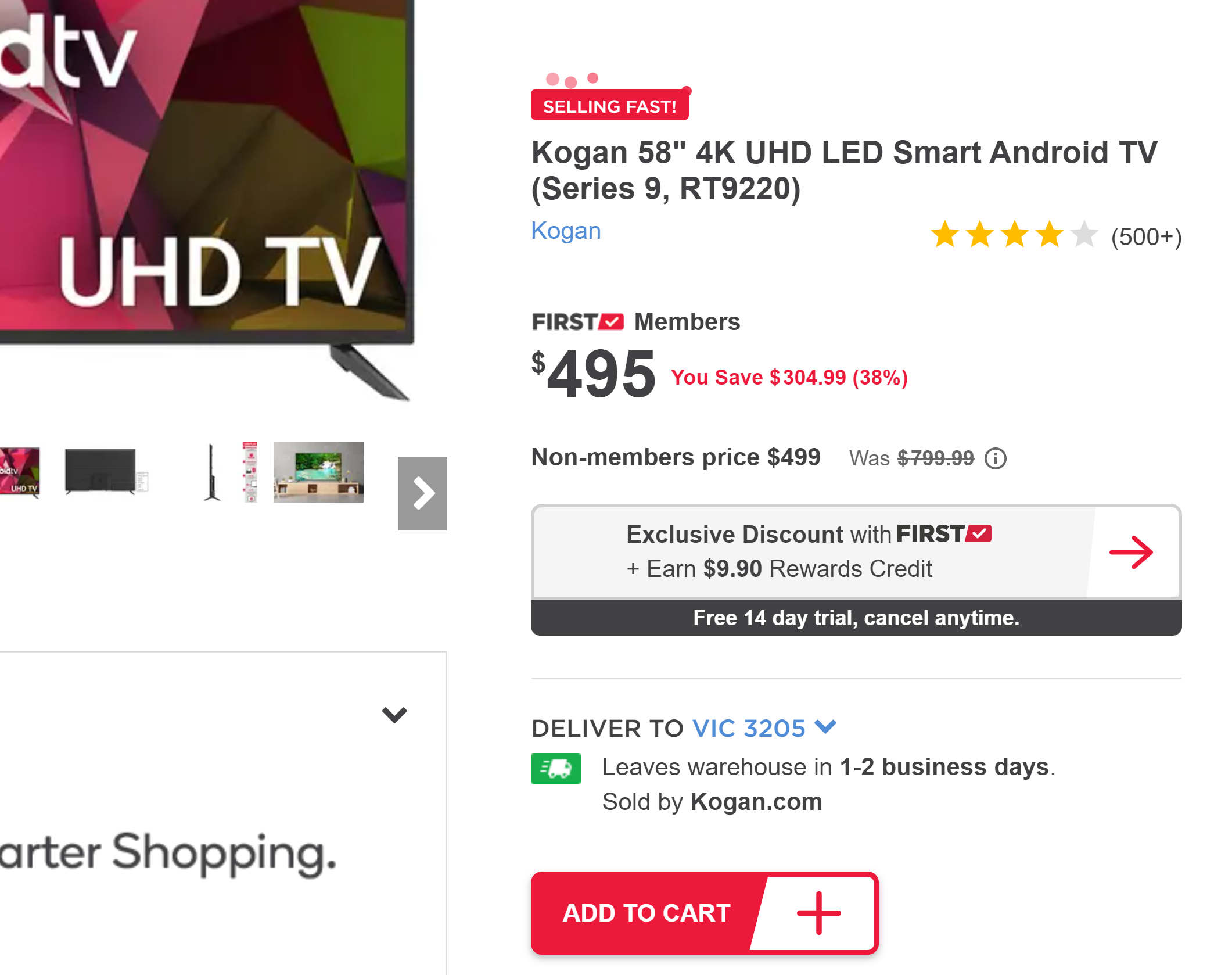
Simply transact with the website as a regular customer would. Navigate to the product listing (this can be found via the slug or SKU) and select Add To Cart:
Navigate through checkout and select your preferred payment option (either Credit Card, PayPal or Gift Card).
Ensure you enter in the end customer's name and address details and not your own!
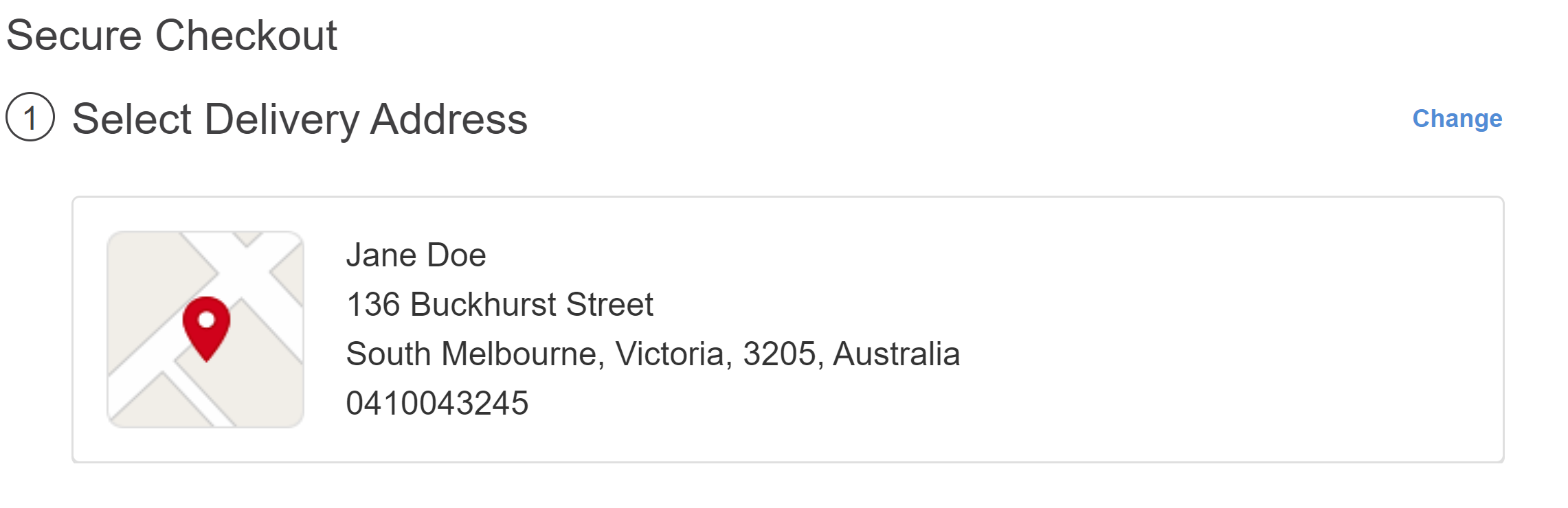
Confirm the order, and that's it! You will receive an order reference as well as an email confirmation.
Option 2: Bulk Orders
Navigate to Place Orders in your portal, also accessible with this link:
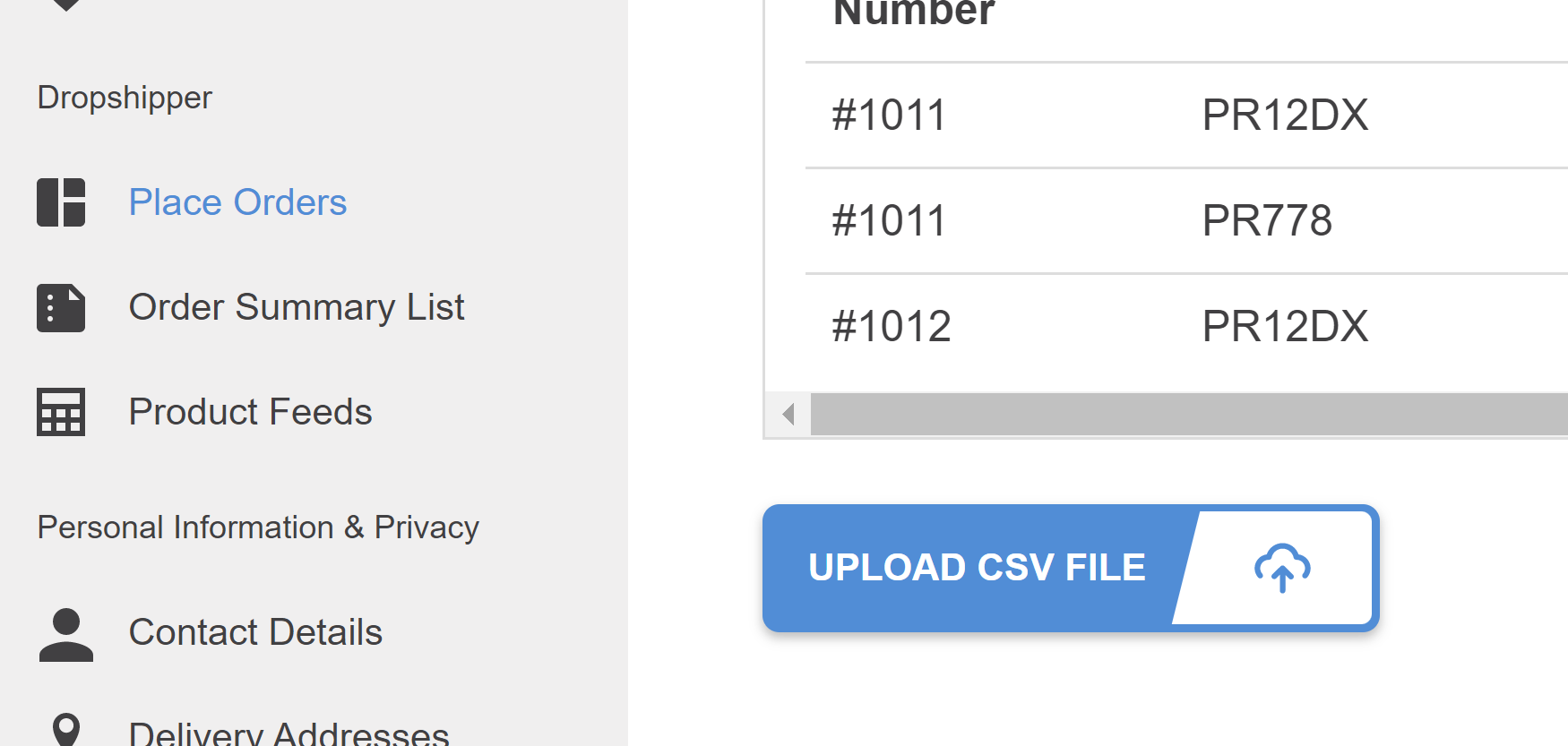
CSV template columns are:
| Customer Reference Number | Your own reference number for the sale to your end customer |
| SKU | Kogan SKU |
|
Quantity |
Quantity to be purchased |
| Customer Name | Customer Name |
| Phone Number | Customer Phone Number |
| Street Address | Customer Address |
| Apartment/Unit/Other | Customer Apartment/Unit if applicable (can also be in Street Address field) |
| Suburb | Customer Suburb |
| Postcode | Customer Postcode |
| State | Customer State, must be full text e.g "Victoria", "New South Wales", "Western Australia" |
Upload CSV, errors will be displayed if relevant. Following screen will confirm upload where payment type should be selected and orders can be confirmed:
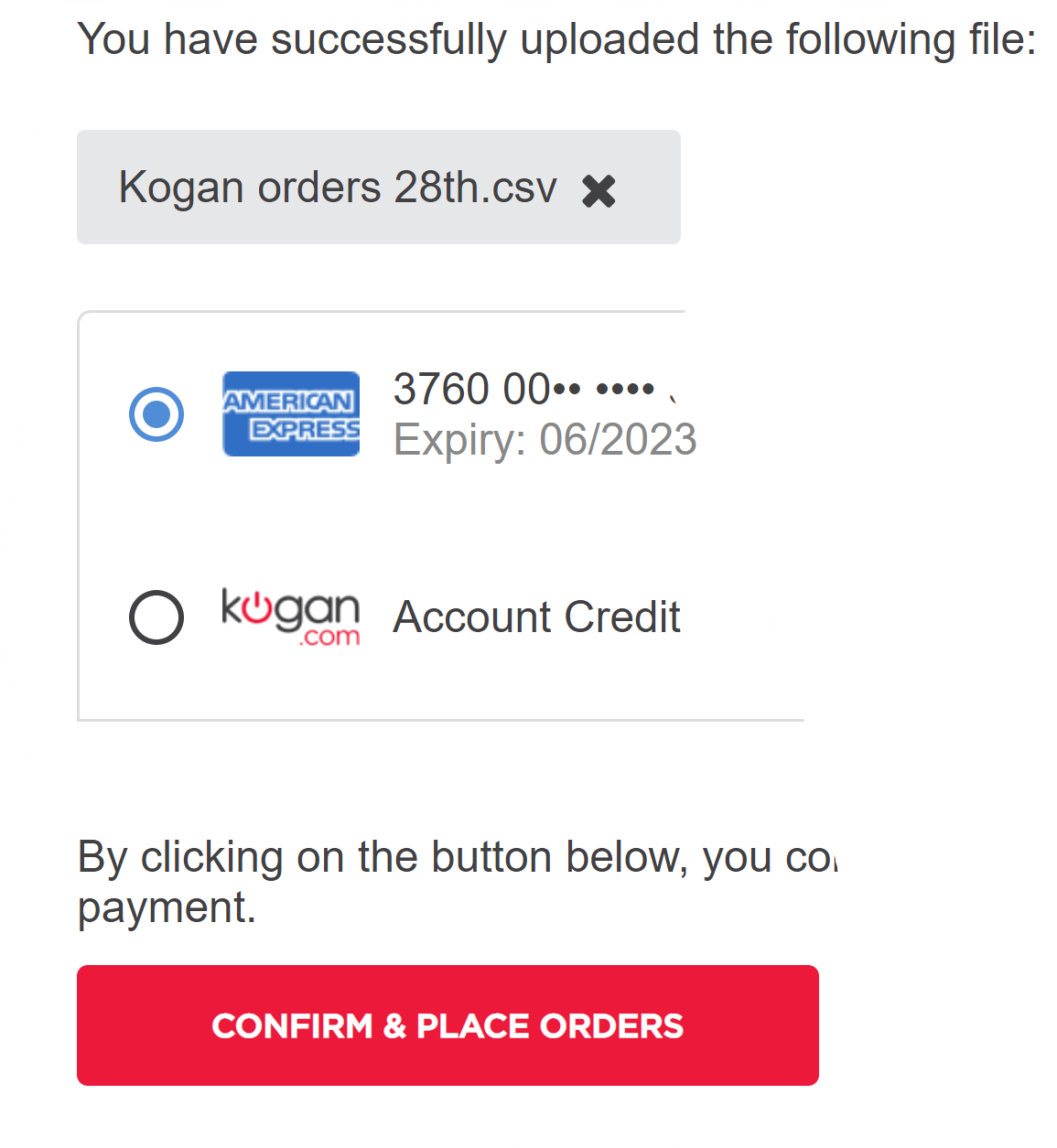
Orders will process individually in rapid succession, advising of any line errors if relevant.
History of uploaded files can be viewed on the Order Summary List accessible here.